










Navigating Change in a Rapidly Evolving Microsoft Ecosystem
Digital transformation is no longer a future ambition, it’s a present-day necessity. Organizations across the United States and beyond are rethinking how they manage data, automate processes, and modernize legacy systems like SharePoint. As businesses push toward agility and innovation, one platform continues to stand out: Microsoft Power Platform.
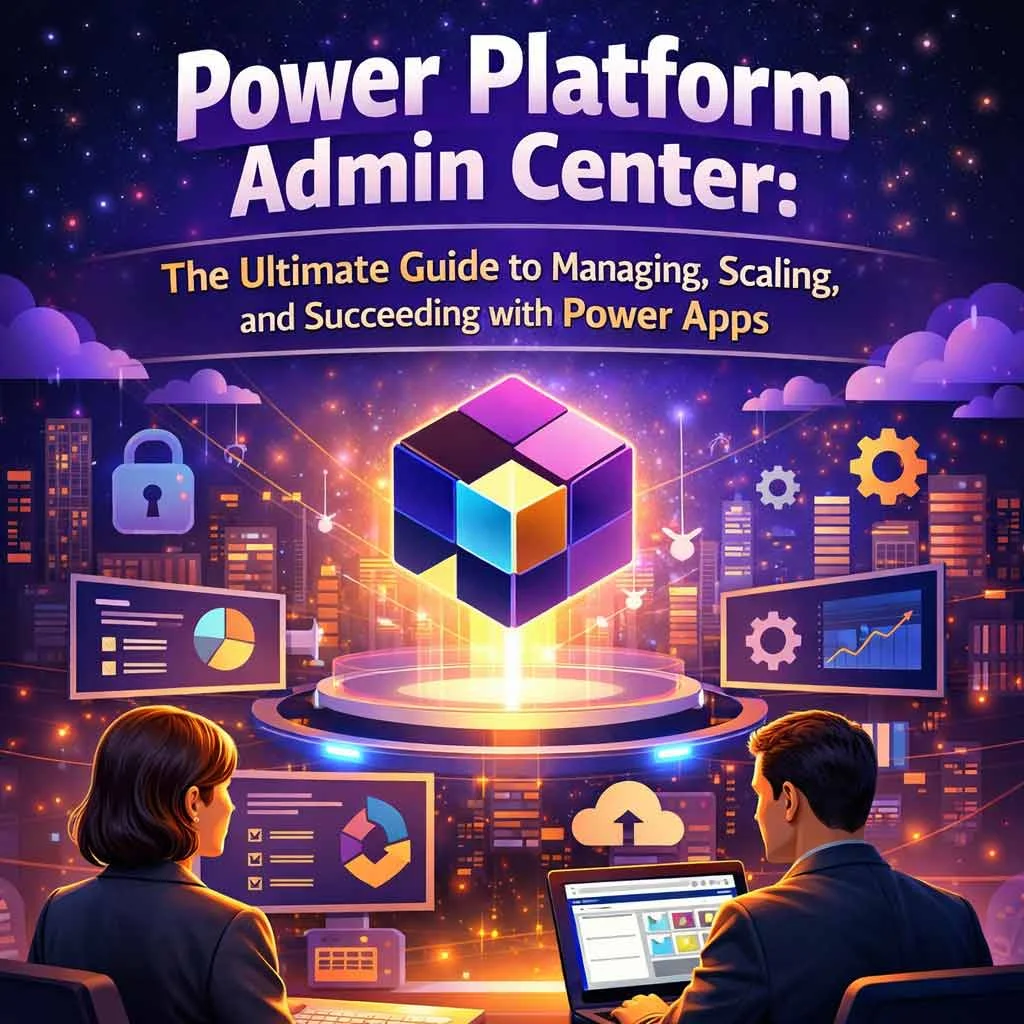
At the center of this ecosystem lies the Power Platform Admin Center, a unified control hub that enables organizations to manage environments, enforce governance, and monitor performance across Power Apps, Power Automate, Power BI, and Dynamics 365.
For enterprises operating within complex Microsoft ecosystems which including those leveraging Dynamics 365 or transitioning from SharePoint—the Admin Center is more than just a backend tool. It functions as a strategic command center, empowering administrators to maintain control while enabling innovation.
This guide explores everything you need to know—from foundational concepts to advanced strategies to help you fully leverage the Power Platform Admin Center and stay ahead in a competitive digital landscape.
1. Understanding the Power Platform Admin Center
The Power Platform Admin Center serves as the backbone of governance and operational management within the Power Platform ecosystem. It provides a centralized interface where administrators can oversee environments, users, policies, and analytics.
At its core, the Admin Center simplifies complexity. Instead of managing multiple tools independently, administrators can control everything from a single dashboard.
Key Components
Environment Management
Admins can create, manage, and monitor different environments such as Development, Testing, and Production. This segmentation ensures safe deployment and experimentation without disrupting live operations.
Data Policies (DLP)
Data Loss Prevention policies help organizations control how data flows between services, reducing the risk of data leaks and ensuring compliance.
User Roles and Permissions
Role-based access ensures that users only have access to what they need. From global admins to environment-specific roles, permissions can be tightly controlled.
Integration with Dynamics 365
The Admin Center seamlessly integrates with Dynamics 365, enabling unified data and process management across business applications.
Analytics and Monitoring
Built-in dashboards provide insights into usage, performance, and potential issues, allowing proactive decision-making.
Understanding these components is essential for any organization aiming to scale its Power Platform usage effectively.
2. Importance of Power Platform in Modern Business Strategy
Power Platform has evolved from a set of tools into a critical pillar of modern business strategy. Its low-code/no-code capabilities allow organizations to build applications faster, automate workflows, and derive insights without heavy reliance on traditional development.
Why Businesses Are Adopting Power Platform
Accelerated Development
Traditional development cycles can take months. With Power Platform, solutions can be built and deployed in weeks—or even days.
Cost Efficiency
Low-code development reduces dependency on large engineering teams, significantly lowering costs.
Empowering Citizen Developers
Non-technical users can build apps and automate processes, fostering innovation across departments.
Seamless Integration
Power Platform connects effortlessly with SharePoint, Azure, and Dynamics 365, creating a unified ecosystem.
Organizations looking to scale effectively often collaborate with a trusted Microsoft partner in the USA to accelerate adoption and implementation.
3. SharePoint Migration and Its Role in Power Platform Success
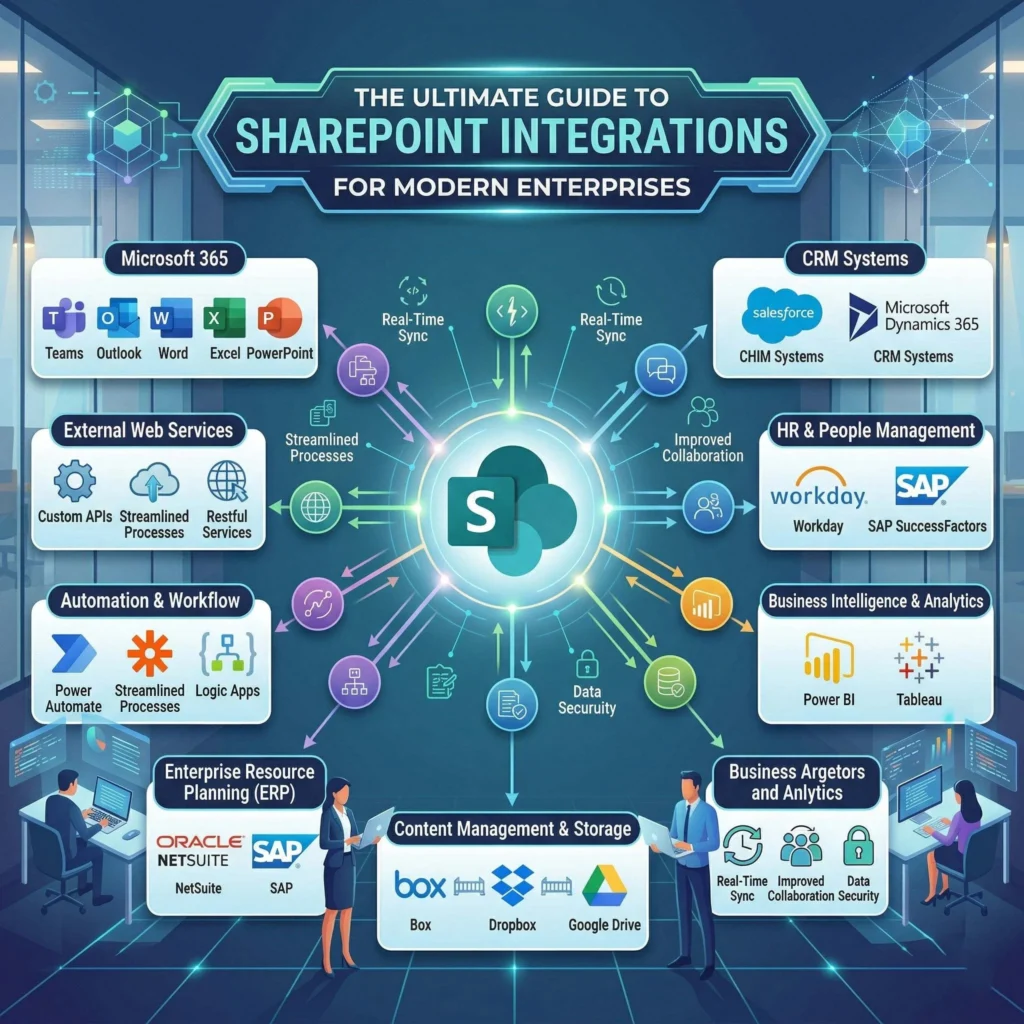
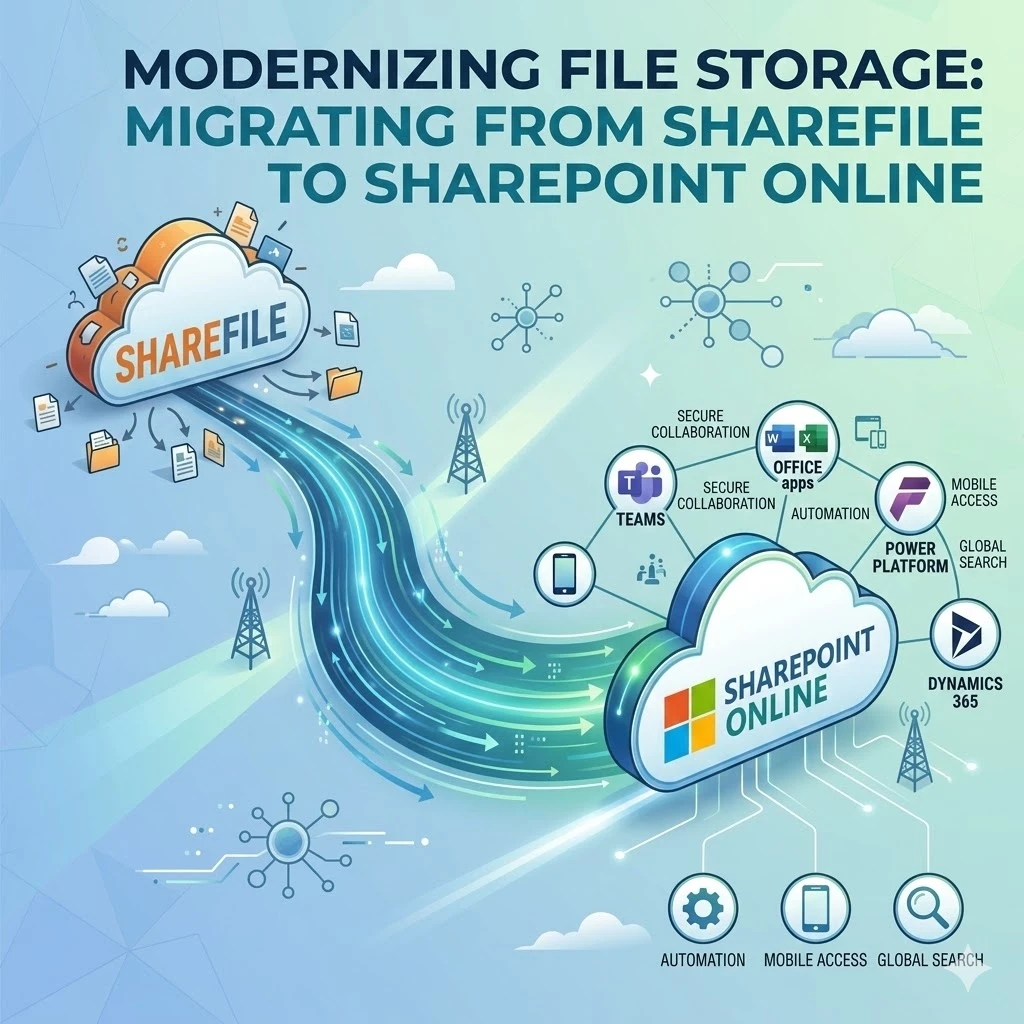
Many organizations still rely on legacy SharePoint systems that limit scalability and innovation. Migrating these systems into the Power Platform ecosystem unlocks new capabilities and efficiencies.
Challenges with Traditional SharePoint
- Limited automation capabilities
- Complex customization requirements
- Poor user experience in legacy environments
- Difficulty integrating with modern tools
Migration Strategies
Lift-and-Shift
A quick migration approach that moves existing systems without significant changes.
Modernization
A more strategic approach that redesigns processes using Power Apps and Power Automate for better performance and usability.
Benefits of Migration
- Enhanced user experience through custom apps
- Automated workflows replacing manual processes
- Improved data governance and compliance
- Better collaboration across teams
Organizations often work with a SharePoint functional consultant to ensure a smooth and efficient transition.
4. Latest Trends in Power Platform Administration
Staying updated with current trends is essential for long-term success. The Power Platform ecosystem is evolving rapidly, with new features and capabilities being introduced regularly.
Key Trends
AI Integration (Copilot)
AI-powered tools are transforming how apps and workflows are created, enabling faster development and smarter automation.
Increased Focus on Governance
As adoption grows, organizations are prioritizing governance frameworks to maintain control and compliance.
Multi-Environment Strategies
Businesses are implementing structured environment strategies to manage development lifecycles more effectively.
Rise of Low-Code Adoption
Low-code platforms are becoming mainstream, driving innovation across industries.
Azure Integration
Deeper integration with Azure services enhances scalability, security, and performance.
Keeping up with these trends ensures that your organization remains competitive and future-ready.
5. Advanced Strategies for Power Apps and Power Platform Success
Success with Power Platform requires more than just tools—it demands a well-defined strategy.
Key Strategies
Environment Strategy
Establish clear separation between Development, Testing, and Production environments to minimize risks.
Data Loss Prevention (DLP)
Implement DLP policies to control data flow and ensure compliance with regulatory standards.
Role-Based Access Control
Define user roles carefully to maintain security and operational efficiency.
Lifecycle Management
Adopt Application Lifecycle Management (ALM) practices to manage updates and deployments effectively.
Performance Optimization
Monitor app performance and optimize workflows to ensure smooth user experiences.
Organizations seeking scalability often explore Power Apps development services to build robust, enterprise-grade solutions.
6. Tools That Empower Admin Excellence
The right tools can significantly enhance administrative efficiency and oversight within the Power Platform.
Essential Tools
Power Platform Admin Center
The primary interface for managing environments, users, and policies.
PowerShell Automation
Enables scripting and automation of administrative tasks, saving time and reducing manual effort.
Monitoring and Alerts
Real-time alerts help identify and resolve issues before they impact users.
Analytics Dashboards
Provide insights into usage patterns and system performance.
Third-Party Governance Tools
Offer additional capabilities for compliance, monitoring, and optimization.
To maximize automation capabilities, many organizations partner with a Microsoft Power Automate partner for expert guidance.
7. Keyword Research Advancements in the Power Platform Space
In today’s digital landscape, visibility is crucial. Advanced keyword research strategies ensure your content and solutions reach the right audience.
Modern SEO Approaches
AI-Driven Keyword Research
AI tools help identify high-performing keywords and emerging trends.
Long-Tail Keywords
Targeting specific queries improves search rankings and attracts qualified traffic.
Industry-Specific Clusters
Grouping keywords by industry enhances relevance and authority.
Competitor Analysis
Understanding competitor strategies helps identify gaps and opportunities.
Semantic Search Optimization
Optimizing for intent rather than just keywords improves search engine performance.
Effective keyword strategies can significantly boost the visibility of your Power Platform solutions.
8. Optimizing for Voice Search and Mobile Devices
With the rise of mobile usage and voice assistants, optimization is no longer optional—it’s essential.
Key Considerations
Conversational Queries
Optimize content for natural language queries used in voice searches.
Mobile-Responsive Design
Ensure admin dashboards and applications are fully responsive across devices.
Performance Optimization
Faster load times improve user experience and search rankings.
User Experience (UX)
Design interfaces that are intuitive and easy to navigate on smaller screens.
Adapting to these trends ensures accessibility and usability for modern users.
9. Crafting the Right Tone with a Human Touch
Technical content doesn’t have to be complex or difficult to understand. Striking the right tone is essential for engaging a broad audience.
Best Practices
Simplify Complex Concepts
Break down technical ideas into easy-to-understand language.
Use Storytelling
Real-world examples make content more relatable and engaging.
Avoid Jargon Overload
Keep language clear and concise.
Balance Professionalism and Personality
Maintain credibility while adding a human touch.
By focusing on clarity and relatability, you can make even the most technical topics accessible.
10. Power BI and Data Insights in Administration
Data-driven decision-making is at the heart of effective administration. Power BI plays a crucial role in providing actionable insights.
Key Benefits
Usage Monitoring
Track how applications and workflows are being used.
Identifying Inefficiencies
Spot bottlenecks and optimize processes.
Custom Dashboards
Create tailored dashboards for different stakeholders.
Strategic Planning
Use data insights to guide future initiatives.
Organizations often engage a Power BI consulting company to unlock deeper insights and maximize value.
Conclusion:
Stay Ahead with Smart Power Platform Administration
The Power Platform Admin Center is more than just a management tools. It’s a strategic enabler of innovation, efficiency, and growth. As organizations continue to migrate from SharePoint and integrate with Dynamics 365, the need for strong governance and smart administration becomes increasingly critical.
By adopting modern strategies, leveraging advanced tools, and staying aligned with emerging trends like AI and voice search, businesses can unlock the full potential of the Power Platform.
Now is the time to take control of your ecosystem. Implement these strategies, optimize your processes, and build scalable, high-performing solutions that position your organization for long-term success.