










In today’s digital-first world, organizations generate and manage massive volumes of data every day. While cloud-based platforms like Microsoft 365 have revolutionized productivity, they’ve also introduced new complexities related to data governance and regulatory compliance. With evolving legislation such as GDPR, HIPAA, and CCPA, it’s no longer just good practice to manage data responsibly, it’s a legal and operational imperative.
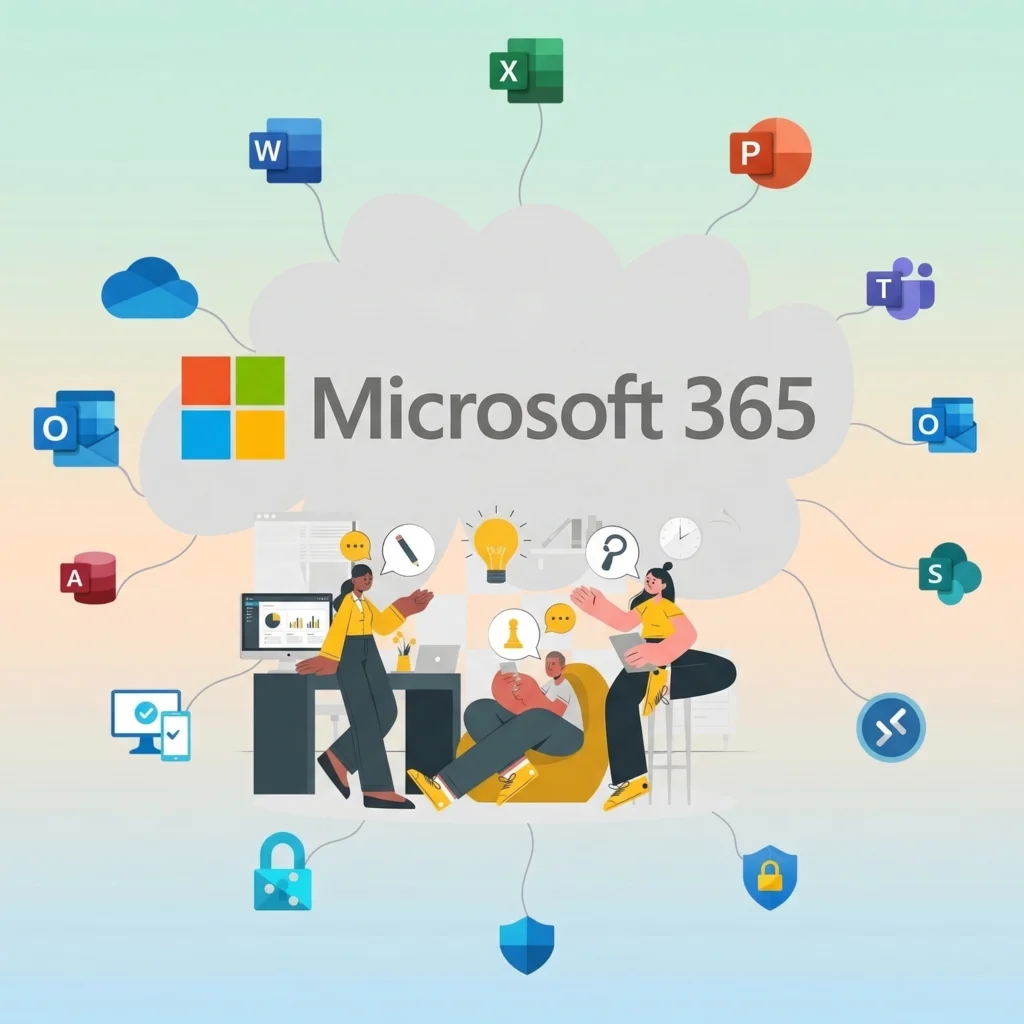
Microsoft 365 provides a powerful suite of governance and compliance tools designed to support organizations in managing their data across the entire lifecycle. Whether you’re operating fully in the cloud or maintaining a Microsoft 365 hybrid environment, adopting a clear governance strategy is essential.
This article explores how businesses can leverage Microsoft 365 advanced data governance capabilities, address regulatory compliance, and implement effective retention and data lifecycle management policies using tools like Microsoft Purview, Microsoft Copilot, and the Compliance Center.
Why Data Governance in Microsoft 365 Matters
Data governance refers to the framework that defines how data is classified, stored, protected, and ultimately deleted or archived. It ensures that data is not only well-managed but also that it’s being used ethically, securely, and in compliance with laws.
As data sprawls across Outlook, SharePoint, Teams, OneDrive, and third-party integrations, organizations are at increased risk of data leaks, shadow IT, and compliance violations. These risks are magnified in a Microsoft 365 hybrid environment, where on-premises and cloud systems operate together.
To combat this, Microsoft provides robust governance tools that allow businesses to:
- Define and automate data retention policies
- Protect sensitive information through classification and labeling
- Align with compliance mandates such as GDPR and HIPAA
- Track, audit, and report on data usage across the environment
Microsoft’s ecosystem is designed to help organizations balance collaboration with control — giving users the flexibility to work while protecting critical information assets.
Understanding Microsoft 365 Data Governance
At its core, Microsoft 365 data governance is about managing data effectively, securely, and compliantly. This includes how data is created, accessed, stored, shared, and eventually deleted.
Key Elements Include:
- Centralized Management: Microsoft 365 enables admins to set global policies from a single pane of glass.
- Classification and Labeling: With Microsoft Office 365 advanced data governance, sensitive content can be identified using AI-powered classification tools.
- Integration with Other Systems: When used in tandem with the Microsoft Dynamics 365 environment, governance policies can be extended across CRM and ERP systems, ensuring consistency in how customer and financial data is handled.
Ultimately, governance in Microsoft 365 is not a one-time activity. It’s a continuous process that evolves with your organization and the regulatory landscape.
Managing the Data Lifecycle in Microsoft 365
Every piece of data has a lifecycle from its creation to its deletion. Proper lifecycle management is key to minimizing risk and ensuring compliance.
With Microsoft 365 Copilot data governance, businesses can automate much of this process using AI-powered tools. Copilot can assist in identifying sensitive content, suggesting labels, and automating retention decisions based on the nature of the data.
Microsoft also supports:
- Retention labels and policies that dictate how long data should be kept
- Auto-classification of files and emails based on keywords, data types, or user behaviors
- Integration of lifecycle management into everyday workflows in apps like Teams and Outlook
By embedding governance into the data lifecycle, organizations reduce their risk of non-compliance while increasing efficiency.
Using Microsoft Purview and Compliance Center for Risk Management
One of the most valuable aspects of Microsoft’s compliance suite is the Microsoft Purview Compliance Portal, a centralized dashboard that enables IT and compliance teams to monitor risk, configure policies, and generate reports across the Microsoft ecosystem.
With Microsoft Purview and Compliance Center, organizations can:
- Assess compliance posture using the Compliance Manager score, which gives actionable insights into areas for improvement
- Protect information with sensitivity labels, encryption, and data loss prevention (DLP)
- Manage insider risk by tracking anomalous user behavior or policy violations
- Align with standards like ISO 27001, NIST, and HIPAA, using built-in templates and configurations
These tools offer end-to-end visibility into organizational risk and provide the building blocks for Microsoft 365 data governance best practices.
The Importance of Retention Policies
Retention policies help businesses ensure data is available for as long as it’s needed — and no longer. This isn’t just a storage optimization tactic, it’s a legal and compliance requirement for many sectors.
Microsoft 365 allows for:
- Default and custom policies that can apply to specific users, departments, or content types
- Retention labels that classify content and automate deletion schedules
- Seamless retention management across SharePoint, Exchange, Teams, and other Microsoft services
- Auditing and eDiscovery tools to ensure policies are being followed and provide legal discovery when needed
A well-structured retention strategy also supports internal policies related to data privacy, storage costs, and litigation readiness.
Ensuring Regulatory Compliance with Microsoft 365
With data privacy laws evolving globally, compliance can seem daunting. Fortunately, Microsoft 365 is designed with compliance in mind.
It supports major regulatory frameworks out-of-the-box, including GDPR, HIPAA, CCPA, and others. Microsoft’s cloud services are compliant with hundreds of global standards and offer tools to support your unique compliance journey.
Microsoft Compliance Tools Help You:
- Discover and export user data to comply with data subject access requests (DSARs)
- Control access to sensitive data with permissions and role-based access control (RBAC)
- Monitor data flow across regions and comply with data residency laws
- Generate reports and logs to support compliance audits
Whether you’re a healthcare provider subject to HIPAA or a global business navigating GDPR, Microsoft 365 helps you maintain a defensible position with regulators.
Common Challenges in Compliance Implementation
Despite the tools available, many organizations still struggle to implement effective compliance and governance strategies.
Key Challenges Include:
- Lack of internal frameworks or expertise
- Complexity in multi-tenant or hybrid setups
- Inconsistent enforcement across platforms like Teams, SharePoint, and OneDrive
- User resistance or lack of training
- Shadow IT and uncontrolled data creation
- Budget constraints in adopting premium tools
Overcoming these challenges requires not only technical tools but also organizational change and stakeholder buy-in.
Microsoft 365 Data Governance Best Practices
To build a strong foundation, organizations should follow these best practices:
- Start with a data inventory: Use Microsoft Purview to discover and classify your data.
- Define clear roles: Assign data owners, stewards, and compliance leads.
- Automate governance: Utilize Microsoft Power Platform to build governance workflows and alerts.
- Audit regularly: Use compliance scorecards and audit logs to track progress.
- Engage a trusted partner: Collaborate with a Microsoft Power Apps solution partner to develop scalable governance models.
These Microsoft 365 data governance best practices not only improve compliance but also streamline operations.
Enhancing Governance with Third-Party Services
Many organizations find that internal resources alone aren’t enough to implement comprehensive governance programs. That’s where third-party solution providers come in.
Partnering with a Microsoft Office 365 migration services provider can ensure a smooth transition to the cloud while preserving governance and compliance integrity. These partners also help with:
- Governance strategy design
- Security audits and risk assessments
- Policy implementation and user training
For businesses undergoing a full transformation, engaging a team known for the best digital transformation in Austin Texas can provide industry expertise and hands-on support for implementing modern, secure, and compliant digital ecosystems.
Final Thoughts: Building a Future-Proof Governance Strategy
Data governance and compliance are no longer optional. With the scale and scope of Microsoft 365, the risk of unmanaged data can lead to fines, data breaches, and operational inefficiencies. But with the right strategy, tools, and partners, organizations can transform governance from a burden into a business enabler.
By adopting Microsoft 365 advanced data governance, regularly reviewing policies, and leveraging tools like Microsoft Copilot and Purview, businesses can stay ahead of threats, remain compliant, and build trust with customers and regulators alike.