Stay Organized, Streamlined, and Ahead with Microsoft 365 Planner
In today’s fast-moving workplace, visibility, accountability, and collaboration are essential. That’s where Microsoft 365 Planner comes in. Whether you’re managing a project team, coordinating departments, or keeping track of daily tasks, Planner offers a visual and intelligent way to get more done with less chaos.
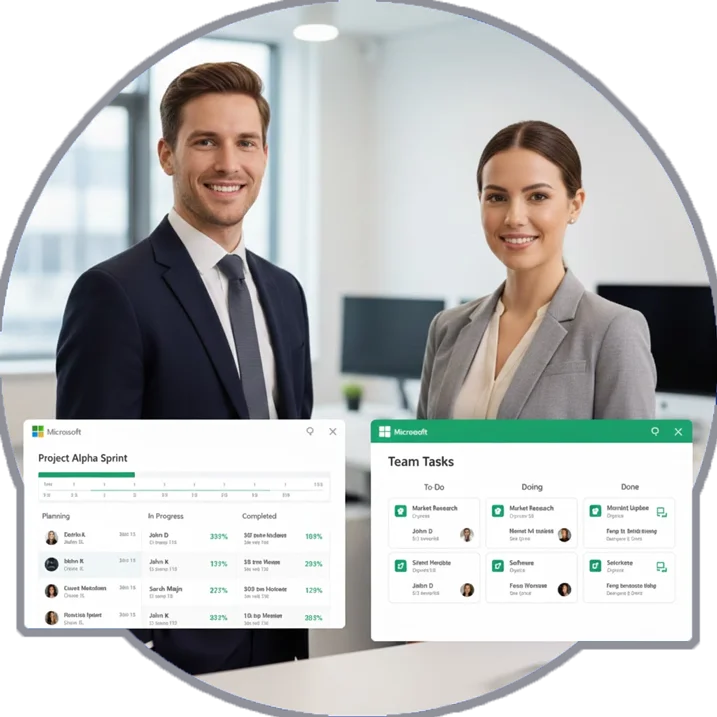
Transform the Way You Plan, Collaborate, and Execute with Microsoft Planner
Achieve Clarity, Control, and Collaboration with Microsoft 365 Planner Solutions
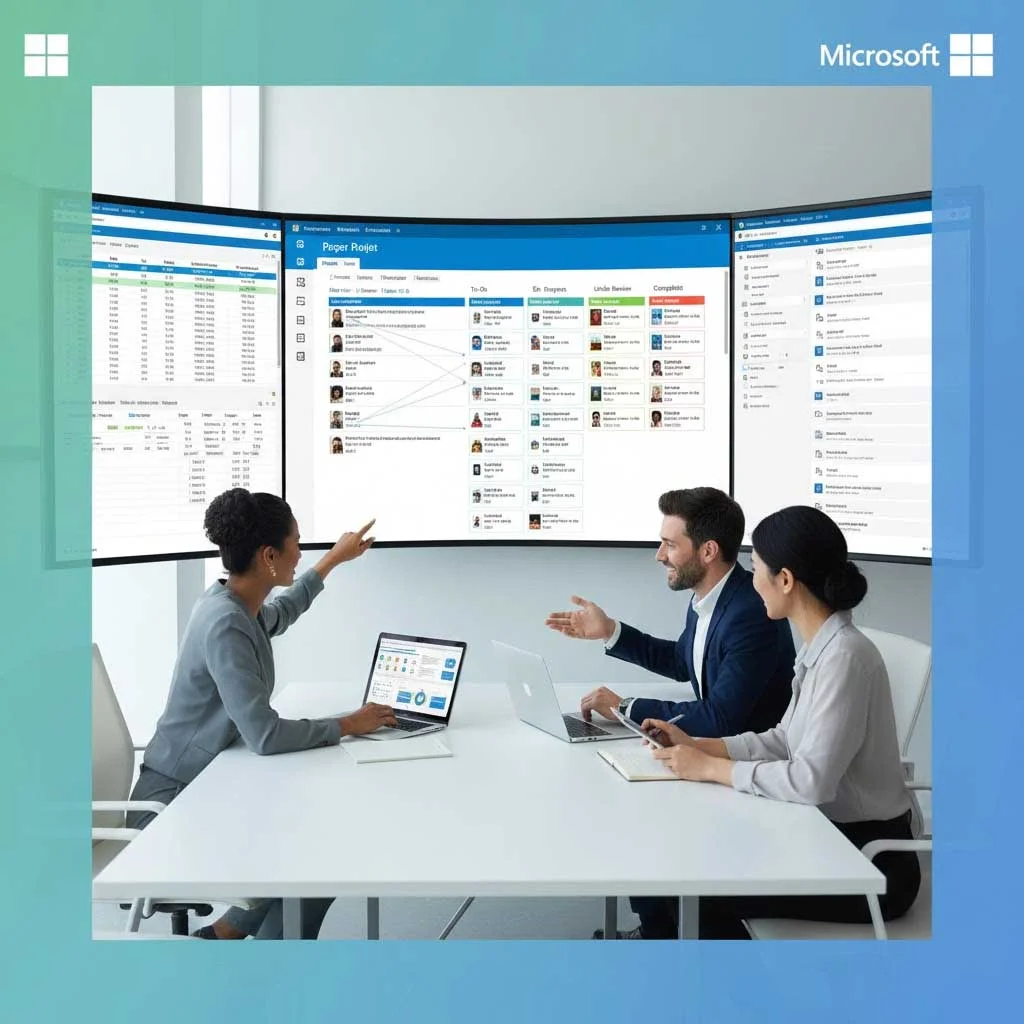
Microsoft 365 Improving Projects Capabilities
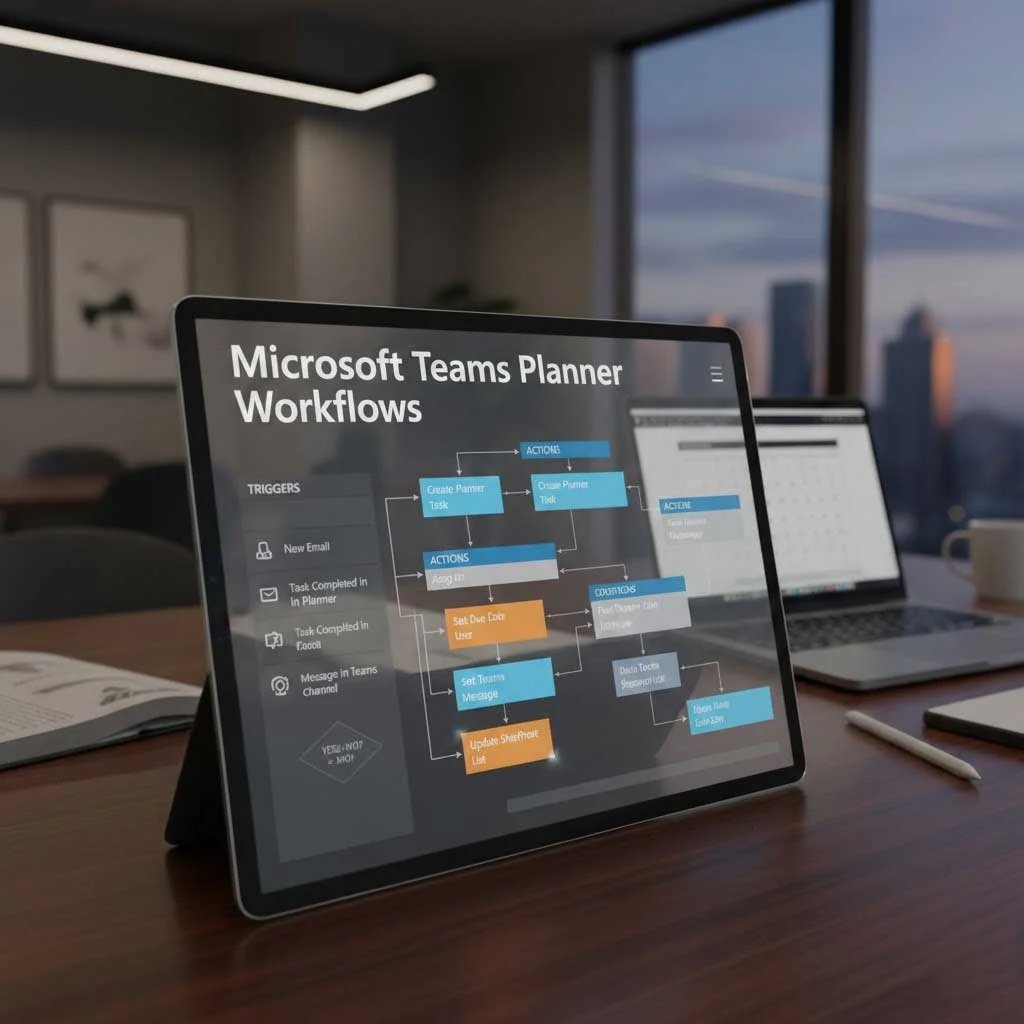
Microsoft Planner in Teams: Workflows That Work for You
The power of Microsoft Planner in Teams lies in its simplicity. With Planner integrated directly into Microsoft Teams, users can create, assign, and track tasks that are all within their collaboration hub.
We help organizations customize and deploy Planner boards that align with real business needs, not generic templates. From IT to HR, marketing to operations, every team gain clarity and ownership with visual task boards, real-time status updates, and deadline tracking.

Planner Board Microsoft: Where Projects Gain Momentum
A Planner board in Microsoft acts like a dynamic control panel for your team’s work. You can categorize tasks by buckets, track progress through labels, and shift priorities with simple drag-and-drop functionality.
At Slickwhiz Solutions, we help you build customized Planner boards that fit your project structure, whether you manage sprints, run cross-functional teams, or need executive-level views. It’s more than a to-do list; it’s your team’s strategic workspace.

Microsoft Teams Tasks by Planner: Bringing Accountability into Every Conversation
With Microsoft Teams Tasks by Planner, task management becomes a shared responsibility, not a forgotten afterthought. Team members can create tasks during meetings, assign owners, setup due dates, and follow up, all without leaving the Teams interface.
We integrate this functionality with your existing Microsoft 365 environment to create seamless workflows, trigger automations with Microsoft Power Automate support, and ensure tasks don’t fall through the cracks.

How to Create Tasks in Teams? Let Us Set You Up for Success
Wondering how to create tasks in Teams that get done? While the steps are simple, the strategy matters.
Our Microsoft 365 consultants walk you through everything that comes from creating and assigning tasks, setting dependencies, tracking effort levels, to aligning tasks with your broader business processes. Plus, we build automated flows using Power Platform development services to trigger notifications, reminders, and approvals, saving you hours of manual effort.
Microsoft Planner Dashboard: Full Visibility in One Place
Clarity drives progress. A custom Microsoft planner dashboard gives your leaders and project managers a top-down view of task status, team workload, and bottlenecks.
We design dashboards that integrate Planner data with Power BI consulting company analytics, offering visual reports, KPIs, and performance insights that guide action, not just observation.
- Boost clarity and progress with a custom Microsoft Planner dashboard.
- Get a top-down view of task status, team workload, and bottlenecks.
- Integrate Planner with Power BI for real-time visual reports and KPIs.
- Turn insights into action with performance-focused analytics.
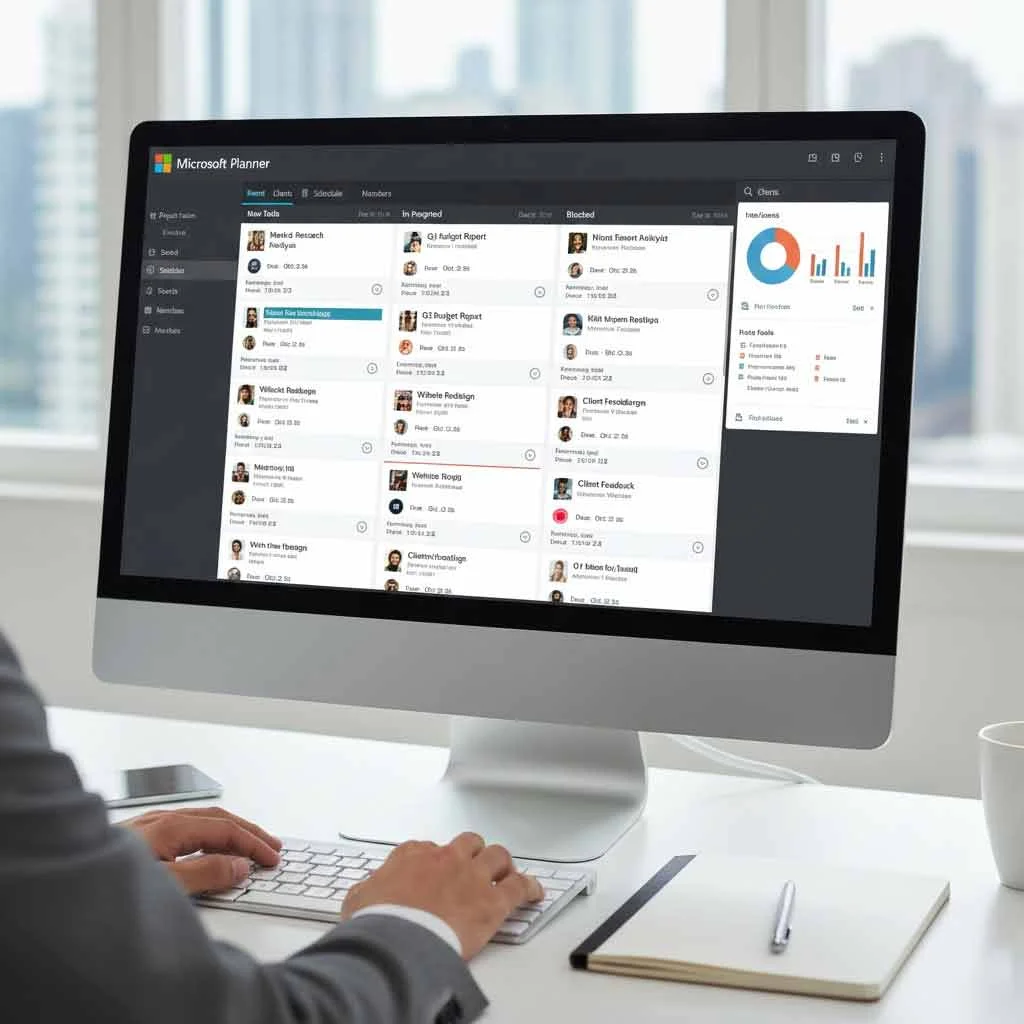
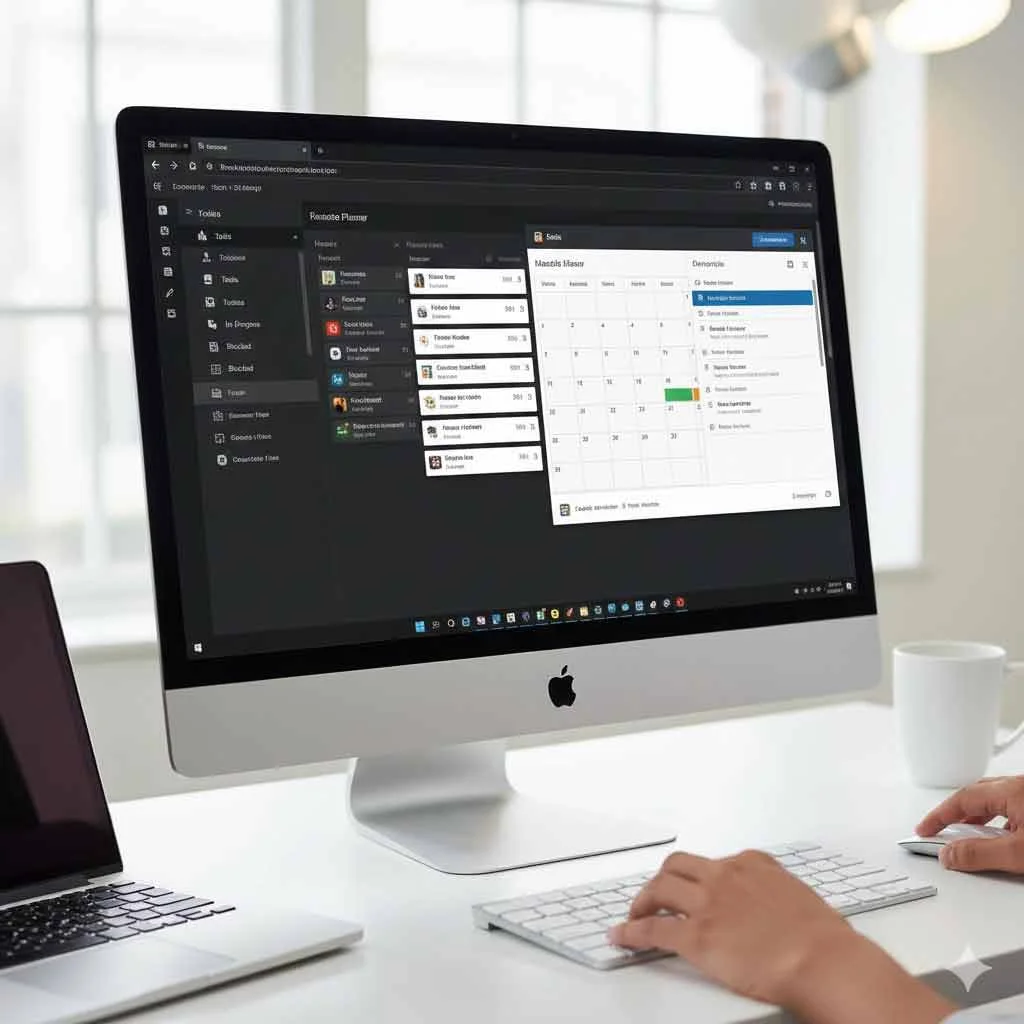
Microsoft Planner Calendar Integration
Time is your most valuable resource. With Microsoft Planner calendar integration, your tasks sync directly with Outlook, allowing you to plan and prioritize without toggling between tools.
Slickwhiz Solutions ensures that your calendar and task timelines are always aligned by reducing scheduling conflicts and boosting on-time delivery.
- Sync Planner tasks with Outlook for seamless scheduling.
- Plan and prioritize without switching tools.
- Reduce conflicts and align timelines effortlessly.
- Boost on-time delivery with integrated calendars.
Why Enterprises Choose Slickwhiz Solutions for Microsoft Planner
We’re not just implementation partners; we’re transformation partners. Our clients count on us to deliver Microsoft 365 solutions that are user-friendly, scalable, and tied to real business value.
We’re not just implementation partners; we’re digital transformation partners. Our clients count on us to deliver Microsoft 365 solutions that are user-friendly, scalable, and tied to real business value.
Certified Microsoft 365 and Teams deployment specialists
Deep experience in SharePoint consulting services for document and task management
Seamless Power Platform integration, including Power Apps consultants and Power Automate experts
Secure and compliant rollout aligned with your governance and IT policies
Ongoing training, adoption support, and optimization

Microsoft 365 Planner + Power Platform = Game-Changing Efficiency
The true power of Planner emerges when it’s connected with Microsoft’s broader ecosystem. At Slickwhiz Solutions, we integrate Planner with:
- Power Automate : to auto-create tasks, send alerts, and trigger approvals
- Power Apps : for custom task submission forms, mobile access, and line-of-business applications
- Power BI : to transform task data into insightful reports and executive dashboards
Our Power Platform development services are designed to build agile, automated systems that reduce manual effort, eliminate duplicate work, and deliver real-time intelligence.


Collaboration That Goes Beyond Tasks
Planner is just one part of the Microsoft Teams collaboration powerhouse. We help you integrate it with:
- Teams' channels for department-specific task boards
- Intranet systems software for centralized resource sharing
- SharePoint for version-controlled documents tied to specific tasks
- Meeting notes, agendas, and Planner cards are all inside your Teams workspace
Everything your team needs to communicate, coordinate, and execute — in one unified experience.
Ready to Get More Done with Microsoft 365 Planner?
Whether you’re just starting out or looking to scale your use of Planner across departments, our experts are here to help. Slickwhiz Solutions brings the right mix of strategy, implementation, and support to ensure your Planner deployment delivers results which are not just checklists.
We’ll help you turn Microsoft 365 Planner into a productivity powerhouse, deeply integrated with your systems and aligned with your business goals.

Frequently Asked Questions
What makes Microsoft 365 Planner different from other project management tools?
Microsoft 365 Planner is built right into your Teams and Microsoft 365 environment, meaning no switching tabs or juggling logins. It connects your chats, meetings, and files with real-time task tracking and making collaboration effortless and context driven.
Can you help us customize Microsoft Planner for our business workflows?
Absolutely. At Slickwhiz Solutions, we don’t believe in one-size-fits-all templates. We design custom Planner boards, workflows, and automations that reflect how your teams actually work, whether it’s HR onboarding, IT service tickets, or marketing campaign tracking.
How does Microsoft Planner integrate with other Microsoft 365 apps?
Planner seamlessly syncs with Microsoft Teams, Outlook, SharePoint, and Power Platform. That means your tasks can trigger automated approvals via Power Automate, appear on shared calendars, and surface in dashboards through Power BI — giving you a single source of truth for all work.
Can we track progress and performance in real time?
Yes — that’s one of Planner’s strongest advantages. Through Power BI integration, we create visual dashboards that show project progress, workload balance, and key performance indicators in one place that so you can act fast, not guess.
Is Microsoft 365 Planner secure and compliant for enterprise use?
Definitely. Since Planner is part of Microsoft 365, it inherits Microsoft’s enterprise-grade security, compliance, and governance standards. Slickwhiz Solutions ensures every rollout aligns with your internal IT and data-protection policies.